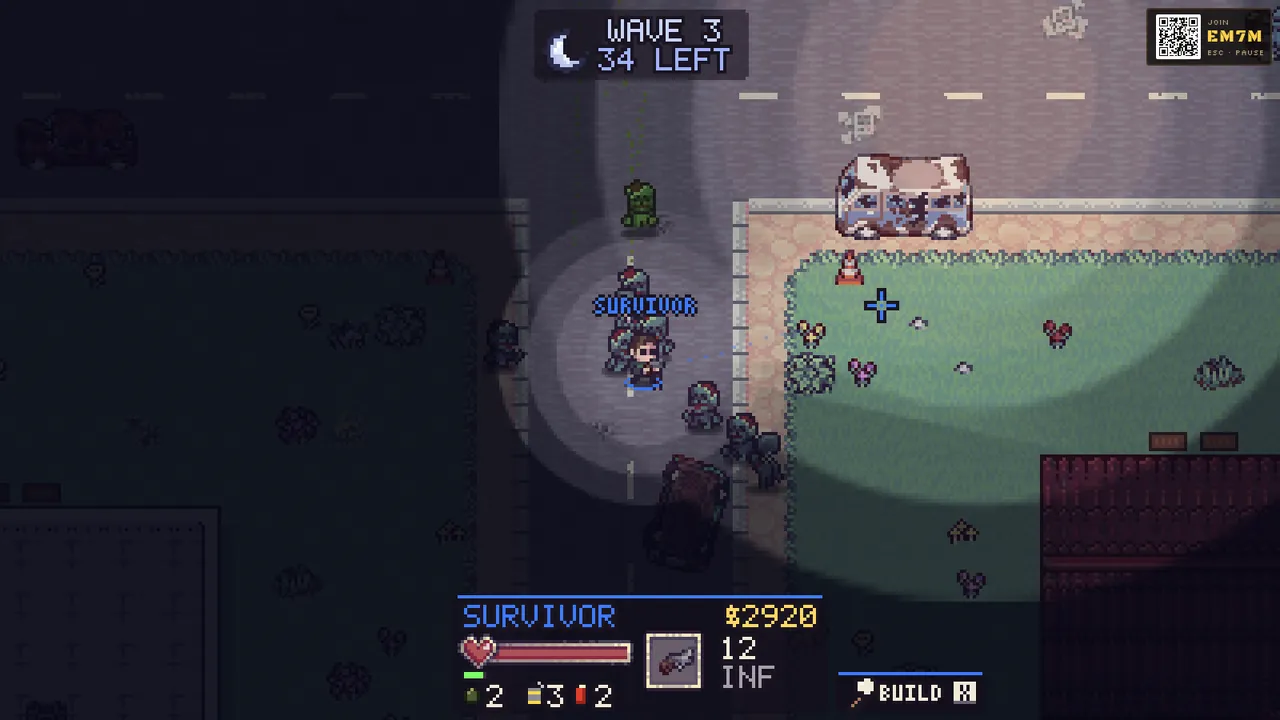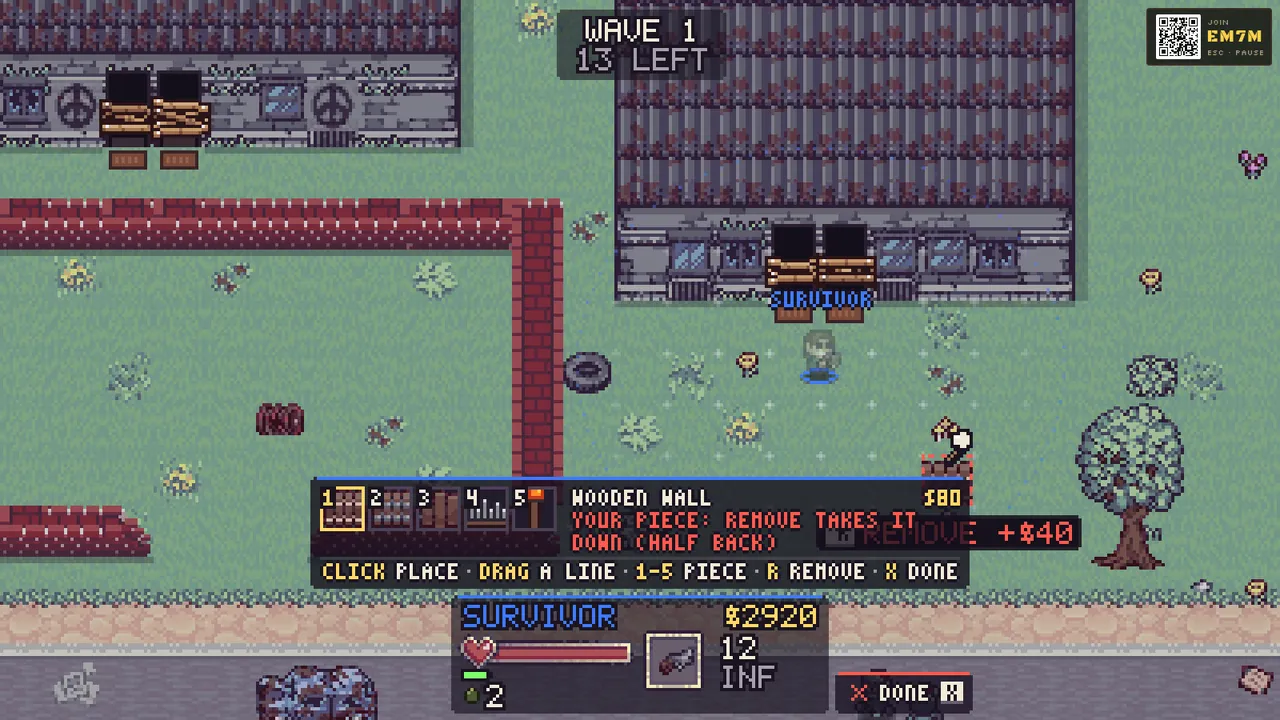
Couch co-op: one screen, everyone’s phones
This is the classic way to play, and it needs nothing but a browser and the phones you already own.
- Open the game on the big screen. A laptop plugged into the TV, a desktop, or a smart TV with a browser all work. Choose Play.
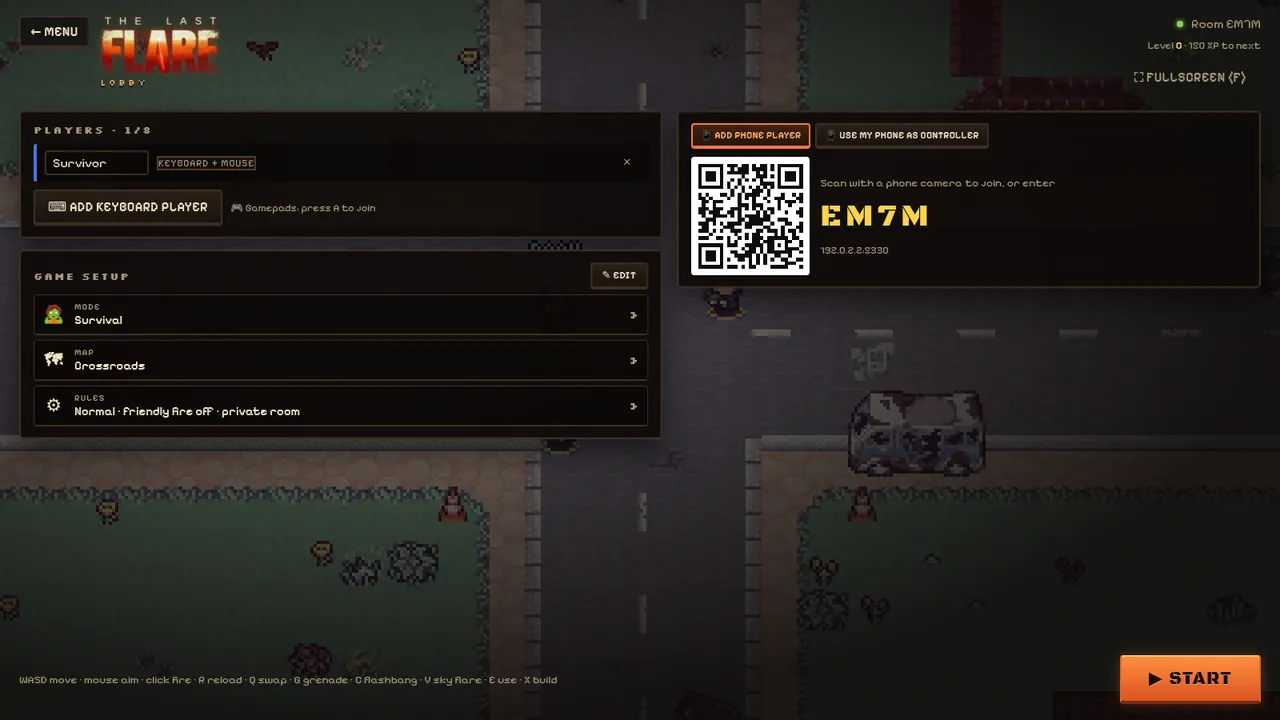
- Pick a mode, a map and the rules. The lobby opens with a QR code and a four-letter room code.
- Friends scan the QR code with their phone camera. The link opens the controller straight away: no app store, no account, no pairing.
- Press Start. The game plays on the big screen; each phone is a gamepad.
Can’t scan? Open the game on the phone, tap Controller and type the four-letter code from the TV.
What the phone controller does
The phone becomes a twin-stick controller: the left thumb moves, the right thumb aims, and pushing the aim stick all the way fires. Big buttons cover reload, weapon swap, grenade and use, and appear for flashbangs and sky flares. The phone buzzes when you’re hit, go down or land a kill, and shows your health, ammo, cash and the shop between waves, so you can shop without blocking the big screen.
Tip: hold the phone sideways for the full pad. The controller keeps the screen awake while you play.
Mix keyboards, gamepads and phones
Up to eight players can share one game, on any mix of controllers:
- Keyboard and mouse: the person at the computer plays with WASD and the mouse.
- A second keyboard player on the arrow keys, with aim assist.
- Gamepads: plug in or pair any standard controller and press A to join.
- Phones: everyone else scans the QR code.
Play online
Not in the same room? Choose Play online to browse public games, jump into the best one with Quick match, or host your own public game. To play with specific friends, start a game and send them the four-letter room code; they choose Join a code and play on their own screen.
Play on a phone or tablet on its own
A phone or tablet can also host a game on its own screen with touch controls. Friends can still join it with their own phones using the room code.
Tips for a great game night
- Start with Survival on the Safehouse: everyone starts together inside one house, so new players learn fast.
- Make sure every phone is on Wi-Fi or a good mobile connection; the controller sends very little data.
- Turn on Only night in the rules for a tense, darker game once everyone knows the basics.
- New players should read the beginner’s guide: it takes five minutes.
Questions
Do my friends need to install an app?
No. Scanning the QR code opens the controller in the phone’s browser. It works on iPhone and Android.
How many phones can join one game?
Up to eight players in total, counting keyboard, gamepad and phone players together.
Can we play together from different houses?
Yes. Host a game and share the four-letter room code, or use Play online to find a public game or Quick match.
Does the phone need to be close to the TV?
No. The phone talks to the game over the internet, so it only needs a connection; it doesn’t need Bluetooth or the same Wi-Fi.